Publish Everywhere From One Place, Automatically
Posting the same content to five platforms by hand is twenty minutes of copy-paste per post and a job nobody wants. A publishing system does it from one source — reformatted per platform, scheduled, approved and reported.
- One source, every platform
- Reformatted, not copy-pasted
- Approval gate before anything posts
If any of this is true right now, this page is for you
Cross-posting eats your time
Same content, five platforms, each with different sizes, captions and hashtag rules. Twenty minutes per post that produces nothing new.
Your schedule collapses when you are busy
A busy fortnight and the feed goes silent. Rebuilding momentum takes longer than the gap did.
Repurposing never happens
One video could become a Reel, a carousel, a LinkedIn post and a newsletter. In practice it becomes one upload because the rest is manual work.
Automated Social Media Publishing, delivered properly
Not a vague scope and a surprise invoice. This is exactly what is produced and handed over.
Single Content Source
One Airtable or Notion base holding every post with its assets, caption and schedule — the single place your whole calendar lives.
Cross-Platform Publishing
Automatic publishing to Instagram, Facebook, YouTube, LinkedIn, X and Google Business Profile, each formatted to its own requirements.
Format Adaptation
Aspect ratios, caption length, hashtag placement and link handling adjusted per platform automatically, instead of posting one format everywhere.
AI Variants
Platform-specific caption variants generated from one source caption, so the same idea does not read identically in five feeds.
Approval Gate
Nothing posts without approval if you want it that way — review and approve from your phone, and the system handles the rest.
Performance Collection
Results pulled back into the same base automatically, so you can see what worked without opening five analytics screens.
No hidden extras
Everything listed here is part of the base engagement — not an upsell discovered halfway through the project.
- Content base setup
- Platform API connections
- Publishing automation build
- Format adaptation rules
- Approval workflow
- Performance data collection
- Team training
- 30 days support
Four steps, no mystery
You always know what stage we are at, what is next, and what I need from you.
Map the workflow
Where content is created, who approves it, which platforms it goes to and on what schedule. The automation follows your real process.
Build the system
Content base, platform connections, formatting rules and approval gate built and connected.
Test with real posts
Run live for a week with close monitoring, so formatting and scheduling issues surface before you rely on it.
Hand over & train
Your team trained to run and extend the system, with documentation so it does not depend on me.
A closer look at the service
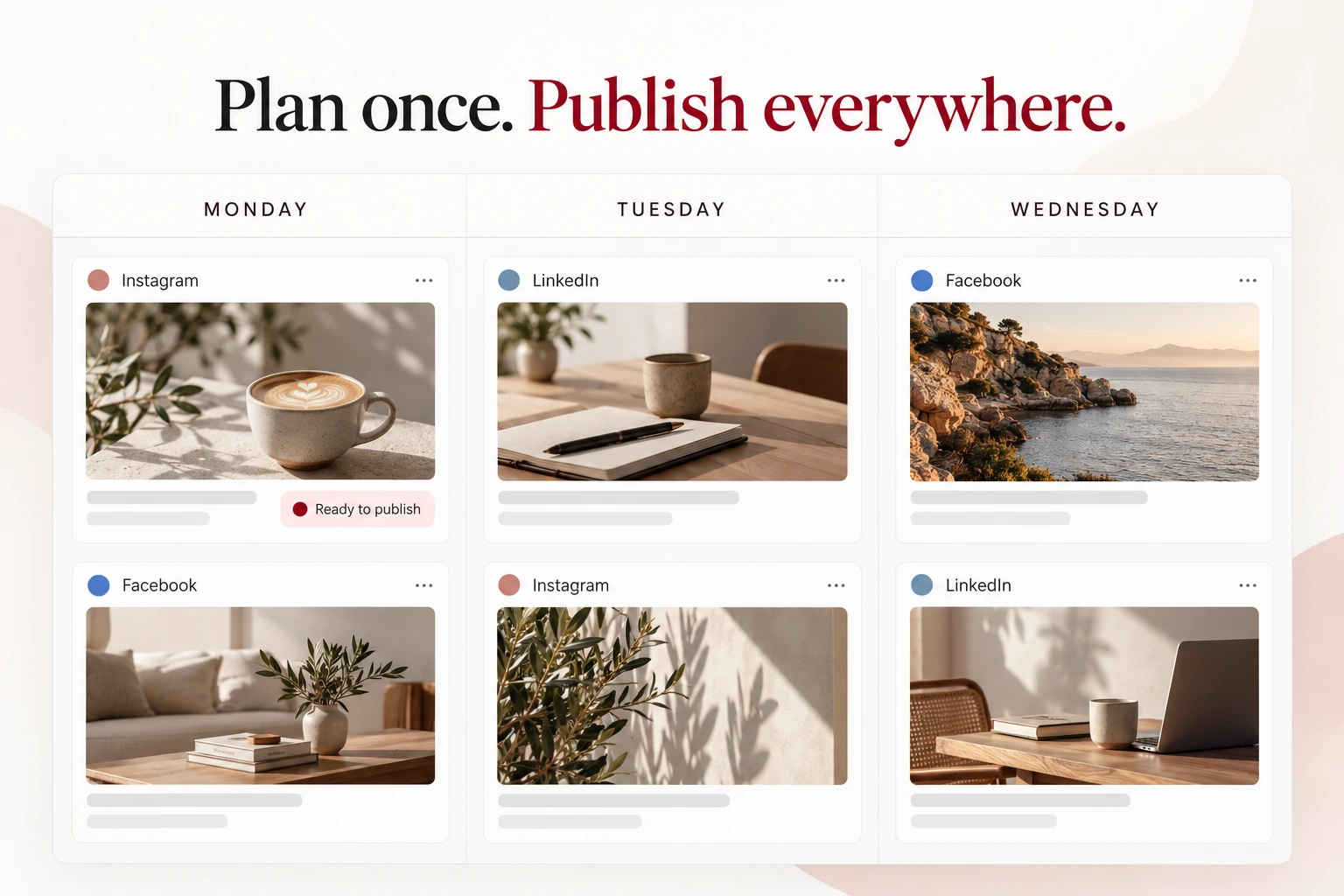
A visual example of the service. Actual project samples are available during your consultation.
What makes this different
Adapted, not duplicated
Identical posts everywhere perform badly and look lazy. The system reformats per platform, which is the whole point.
Approval keeps you in control
Full automation without a review gate eventually publishes something you regret. The gate is built in by default.
Built on tools you own
Your Airtable or Notion, your platform accounts, your automation account. Nothing is locked behind my access.
Results come back in
Performance data flows back to the same place the content lives, so planning and results are not in separate worlds.
Pick the scope that fits
Every project is quoted after a short conversation, so you pay for the scope you need and nothing you do not.
Scheduler Setup
Best for: Getting consistent
- Content base & calendar
- Up to three platforms
- Scheduled publishing
- Team training
Publishing System
Best for: Multi-platform brands
- Everything in Scheduler Setup
- All major platforms
- Format adaptation
- Approval workflow
Content Engine
Best for: High-volume content teams
- Everything in Publishing System
- AI caption variants
- Repurposing pipelines
- Performance reporting
Not sure which fits? Tell me the problem on a free 30-minute call and I will tell you the smallest thing that solves it.
What you should actually end up with
Hours of copy-paste eliminated
A feed that stays active through busy weeks
One asset becoming five posts
Content and results in one place
Answered honestly
Yes, through the official Instagram Graph API for business and creator accounts — including Reels and carousels. Stories have tighter API limits, which I will explain during scoping.
Not when it uses the official APIs, which is what I build on. Platforms only penalise unofficial scraping and spam tools, and I do not use those.
No — the approval gate is the default. Nothing publishes until someone approves it, and you can approve from your phone in seconds.
Usually a modest automation platform subscription plus any AI usage, typically far less than the time it replaces. I show you actual numbers before building.
That is the design. Adding a post means filling a row in a familiar base. Training and documentation are included so nobody depends on me to publish.
Often booked together
Let's talk about your project
A free 30-minute call. You describe the problem, I tell you what it takes, what it costs and whether I am the right person for it.